
A slow connection is usually one of a few things: equipment that needs a clean restart, a Wi-Fi link doing more work than it should, a congested hour on your street, or a line problem on the provider's end. This page walks that order. Each step tells you what to check, roughly how long it takes, and what the result means before you move on.
Work top to bottom with a speed test at the end of each stage. If a stage fixes the problem, stop there. If it does not, the next stage tells you where the fault is more likely to sit.
Before you start
- Run the first test the same way you always use the internet, then repeat it in each stage so the comparison is fair.
- Note the time of day. Evening congestion and a genuine line fault can look identical in a single reading.
- Keep a note of what you changed. Providers ask what you already ruled out before they send anyone.
The troubleshooting order, start to finish
Seven steps, cheapest first. The whole list takes about half an hour, and most people stop before the end because an earlier step already found the problem.
Restart clean
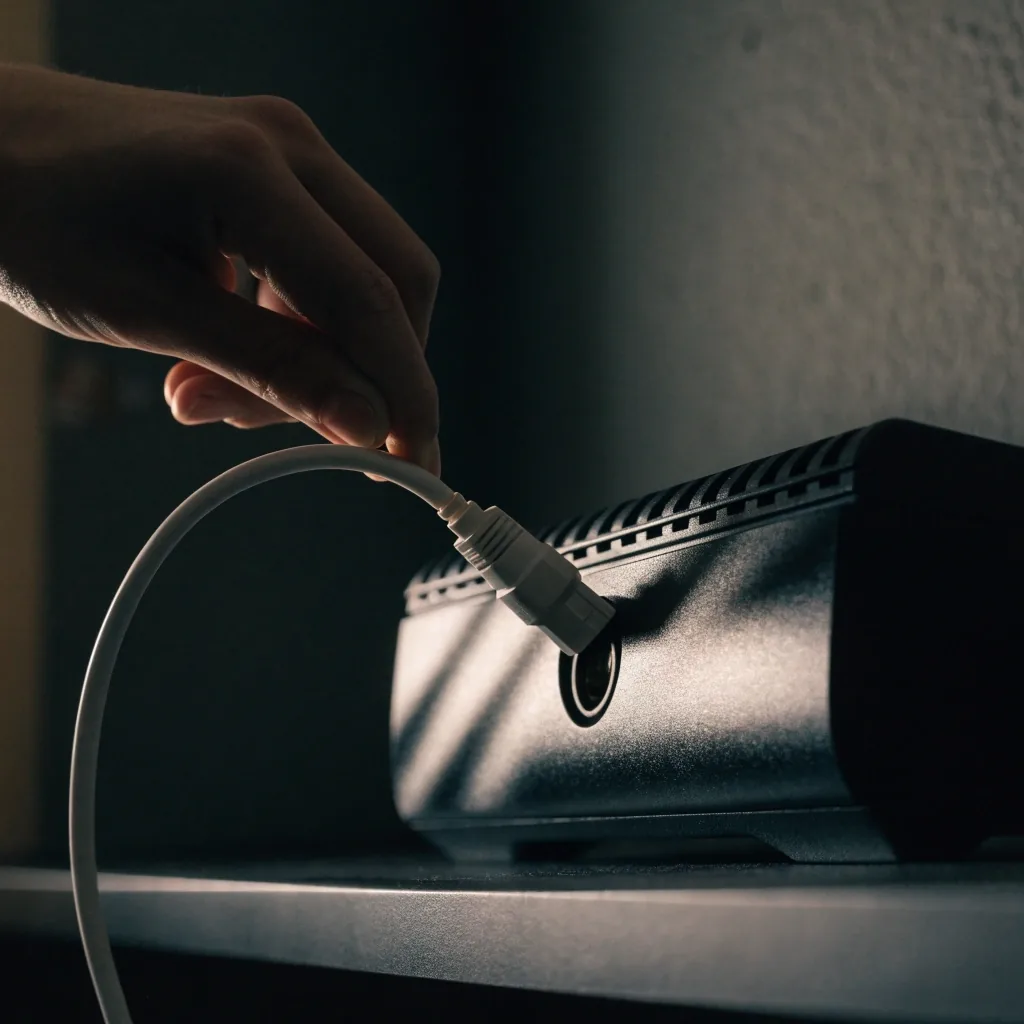
Power down the modem, router and any mesh points
Unplug the modem first, wait a full minute, then the router and any satellite units. Bring the modem back up and give it two to three minutes to lock onto the line before the router powers on. A partial restart, where the router reboots but the modem does not, is the most common reason this step appears not to work.
About 5 minutes. If devices come back and pages still crawl, keep going.
Wired first
Test one device on Ethernet before you touch the Wi-Fi settings
Plug a laptop straight into the router or modem with a known-good cable and run a speed test. If download and upload come back close to your plan on the wire, the line is healthy and the problem is the wireless link. If the wired test is also slow, stop here and read the later steps on congestion and provider faults.
About 10 minutes, including finding a cable long enough to reach.
Compare Wi-Fi
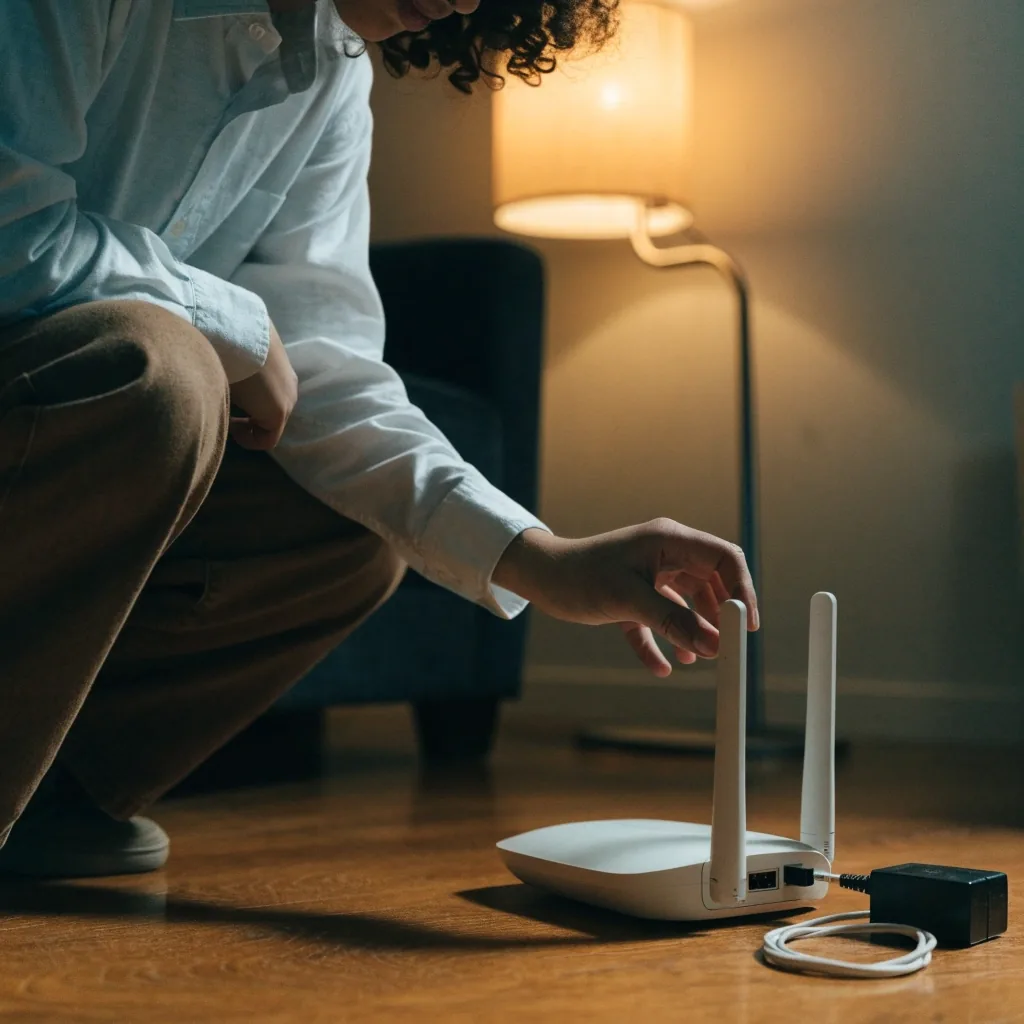
Move closer to the router and test again on the same device
Two metres from the router, in the same room, on the same band, gives you the ceiling for that radio. Walk back to where you actually sit and test again. A large drop over that short walk points to distance, walls, or the channel you are on rather than to your provider. Our Wi-Fi speed test guide covers channel choice and band steering if this stage turns up the fault.
About 8 minutes. Use the same device for both readings.
Read latency
Look past download speed at latency, jitter and packet loss
A connection can post a healthy download number and still feel broken on calls and games. Steady latency with low jitter keeps a video call usable. Latency that spikes mid-test, or any packet loss above zero, changes the diagnosis: that pattern is a line or congestion problem, not a Wi-Fi strength problem, and it is worth fixing before you buy new hardware.
About 3 minutes with a test that reports all four readings.
Check the hour
Test twice — once at a quiet hour, once at your worst hour
Cable and fixed-wireless networks share capacity with the street. If morning readings are fine and eight-in-the-evening readings fall every weeknight, that is congestion, and it is worth reporting with both sets of numbers attached. A fault that shows up at three in the afternoon as well is less likely to be your neighbours.
Two readings on different days gives a pattern you can describe.
Inside the home
Remove the things competing for the same air
Backups, cloud photo sync, game downloads and a second television streaming in another room all count. Pause them for one test and see what returns. Also check the physical layer: a cable that is kinked, a router on the floor behind a radiator, or a splitter added since the last time the connection was fast are all easy to miss and cheap to fix.
About 5 minutes and often the whole answer.
Provider side
Decide whether the problem is yours or theirs
Slow on the wire, slow at a quiet hour, with latency spikes or packet loss, is a provider conversation. Slow only over Wi-Fi, or only when four devices stream at once, is a home network conversation. Bring the wired reading, the Wi-Fi reading, the times, and the plan speed you pay for. That is the packet of information a support line can actually act on.
If the fault is yours, our reading your results page explains what each number is telling you.
What each result is telling you
Four readings come back from a speed test, and they answer different questions. Download and upload are capacity. Latency and packet loss are quality. A connection that is slow to use usually fails on quality, while a connection that is slow to move files usually fails on capacity.
Download
Capacity in
How much data can arrive at once. Low download shows up as buffering video and slow page loads, especially when more than one person is online.
Upload
Capacity out
How much data you can send. Video calls and cloud backups feel this first. Many cable plans run upload far below download, which is normal and worth knowing.
Latency
Round-trip time
How long a single request takes to come back. High but steady latency makes everything feel slightly delayed. Latency that swings mid-test is a different and more serious signal.
Packet loss
Missing data
Data that never arrives and has to be sent again. Even a small amount causes stutter, dropped calls and stalled downloads far out of proportion to the number.
If you want the longer explanation of each one, including which values count as normal on different connection types, the speed test metrics glossary defines all four in plain language.
Speed Test Metrics GlossaryHow we test, and what we can honestly say about it
Prentiss Scholey Speed Test is an independent measurement resource in Brooklyn, New York. We run our own tests and we read results the same way you do. We do not sell internet service, we do not get paid to rank a provider higher, and we do not publish a favourable number for anyone.
Every reading on this site is produced at the moment you take the test. Conditions vary by device, time of day, and how far you sit from the router, so treat one test as a snapshot and a set of tests as the real story.
How We Test and ReportDo this
Test on the wire and over Wi-Fi within the same hour, and keep both numbers.
Close other apps, then run the test again so you can see their effect.
Repeat at your worst hour of the day, not just the convenient one.
Skip this
Chasing a single low reading, taken once, on one device, at a random hour.
Blaming the provider before you have a wired number to compare against.
Buying a new router when the packet loss reading says the line is the problem.
Questions that come up during a slow-connection check
My speed test result changes every time I run it. Is that normal?
Some variation is expected. A handful of megabits either way on a busy home network, or a few milliseconds of latency, is normal noise rather than a fault. What matters is the pattern: a consistent drop at the same hour every evening, latency that doubles partway through a test, or any packet loss at all are the readings worth acting on.
Should I test over Wi-Fi or plug in a cable?
Do both, and keep them separate in your notes. The wired test tells you what your line can deliver. The Wi-Fi test tells you what your home network is delivering to the place you actually sit. If wired is close to your plan and Wi-Fi is not, the provider is not the problem and a support call about it will not get far.
Does a slow speed test mean I am being throttled?
Not on its own. Congestion at a busy hour, a weak Wi-Fi link, an old router that cannot keep up with the plan, and a device running a background backup all produce the same slow reading. Run a wired test at a quiet hour first. If that is also far below what you pay for, you have something concrete to raise with your provider.
At what point should I call my provider?
Call when a wired test, taken at a quiet hour, sits well below the speed you pay for; when latency spikes or packet loss appear on that wired test; or when the modem drops its lights and reconnects on its own. Bring the readings, the times, the device you used and the cable you used. Being able to describe the pattern is what moves a call forward.
Could my own equipment be the bottleneck?
Often, yes. An older router, a laptop with a tired Wi-Fi adapter, or a cable that has been bent behind a desk will cap your numbers no matter how good the line is. Test a second device before you replace anything. If both devices hit the same ceiling on the wire, the equipment in your home is unlikely to be the cause.
Still slow after all seven steps?
If the checklist has not found it, it is worth talking through the readings with someone who looks at them all day. Reach the office Monday to Friday, 9:00 AM to 6:00 PM, and bring the numbers you collected along the way.
2724 Clarendon Rd, Brooklyn, NY 11226, USA
+17185243042
TroyRivera@prentissscholey.com