

Why this page exists
A speed test is only useful when you can read it
Prentiss Scholey Speed Test is a U.S.-focused internet measurement resource. We publish plain explanations of what a home connection is actually doing when you press start — and what the numbers that come back do and do not tell you about it.
The site covers download speed, upload speed, latency, jitter, and packet loss, then connects those readings to the hardware in the room: cable modems, fiber terminals, mesh systems, and cellular home internet. Most visitors arrive right after a test result confused them. The job here is to make the next twenty minutes of testing count for something.
We write for households, not for network engineers. That means short tests you can repeat, instructions that survive a phone screen, and honest notes about what a browser-based test cannot see from where it sits.
How we work
Written from the room, not the lab
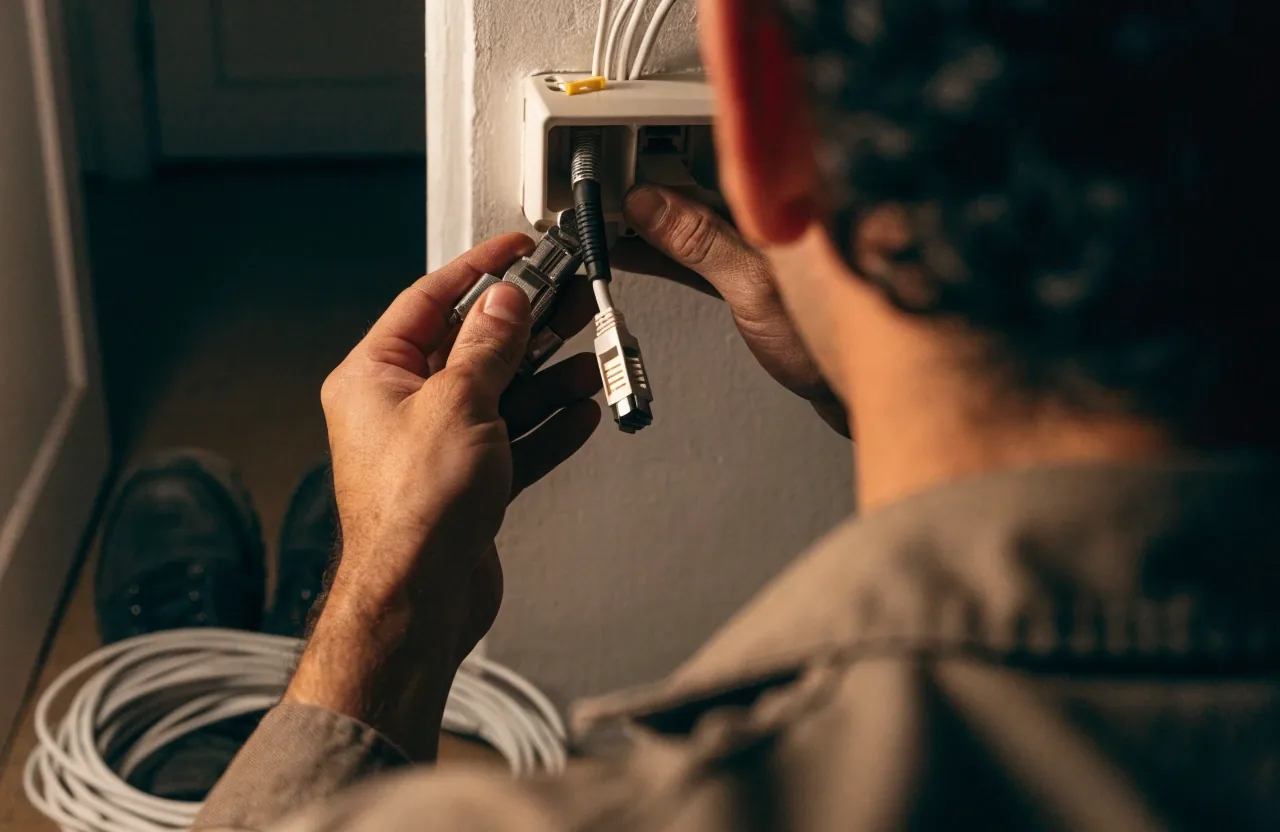
Every guide on this site starts from one of three places: a browser speed test on a laptop, a phone held next to a router, or a device plugged straight into the modem with everything else disconnected. Those three setups fail in different ways, and most of the confusion readers bring to us comes from mixing them up.
When we describe a step, we say where to stand, what to unplug first, and what a normal result looks like on that setup. A fiber line tested over Wi-Fi and the same line tested over Ethernet are different measurements, and the site keeps them separate from the first paragraph instead of the last.
Sustained reading
A steady download number held across the whole test window. Steady matters more than high.
Short at the edges
Readings that sag and recover during the test. Often the Wi-Fi link, not the line itself.
Dropped in transit
Packet loss. Voice calls and video meetings crackle before the speed number moves at all.
Uneven by minute
Jitter. The gap between the fastest and slowest round trips during the same minute.
Who writes here
A small editorial desk in Brooklyn
The writing is handled in-house by our editorial team at 2724 Clarendon Rd in Brooklyn, New York. The same people who write the guides also run the tests they describe, on the same consumer hardware a reader would own — a laptop, a phone, an off-the-shelf mesh system, and whatever router the ISP shipped.
We are not affiliated with any broadband provider, router brand, or speed-test operator. When a guide names a piece of hardware, it is because we tested with it or because it appears in equipment a reader is likely to already own, not because anyone paid to be mentioned. Pages that describe third-party testing services or public broadband measurement programs do so for comparison; those organizations set their own methods and their own numbers.
You can reach the desk Monday to Friday, 9:00 AM to 6:00 PM, at our contact page or by phone at +1 718 524 3042. Correction requests and reprint questions go to TroyRivera@prentissscholey.com.
What we keep separate
The line versus the Wi-Fi
A test over wireless measures your router and your room as much as your service. We label results by which link they describe so you can tell a slow plan from a slow room.
One device versus the whole house
Streams, backups, and game downloads share the same pipe. Guide steps tell you what to pause first, and how a busy household changes the number you should expect.
Peak hour versus off peak
An evening reading on a shared neighborhood node can look nothing like the same test at midday. We say which window a comparison comes from and what changes when you repeat it later.
A snapshot versus a trend
One result is a moment. Repeated tests across a week, at the same spot and the same time, are what show whether a problem is real or was a blip.
If you are new here, start with how to read your speed test results, then keep the metrics glossary open in a second tab while you test.
What you can expect
Our standards for published guidance
None of the rules below are about being thorough. They are about the kind of claim a reader can actually go and check on their own connection.
- We name the setup a number describes
- A reading is only meaningful next to the link it came from. Ethernet, 5 GHz, 2.4 GHz, and cellular are labelled wherever a figure or comparison appears.
- We say when something is a sample and not proof
- A single test cannot separate a bad line from a bad evening. Guides call out when a conclusion needs repeats, and roughly how many make a difference.
- We separate symptoms from causes
- Buffering, dropped calls, and slow downloads are described as things you observe. Interference, congestion, and hardware faults are described as things you then check, one at a time.
- We keep provider-specific steps honest
- Where a guide depends on a specific provider's app or router, we say so at the point of use, and give a version of the step that works on any other setup.
- We correct in place, with the date changed
- When a step turns out wrong or an interface changes, the page is edited rather than replaced by a new one, so links from older discussions keep working.
Questions readers send us most
Who runs this site?
An editorial desk based in Brooklyn, New York. We write and maintain the guides ourselves and test with ordinary consumer equipment — a laptop, a phone, a modem, and a router. There is no outside agency writing this material.
Is this page a paid placement for a provider?
No. We are not affiliated with any broadband provider, router brand, or speed-test operator. Equipment appears in our guides because it is what readers are likely to own or because we tested with it, and that is the only reason it is named.
Do you run the speed test on this site?
The test itself is run through a browser-based measurement tool you open from this site. Our part is the surrounding explanation: what the figures mean, what to disconnect before you start, and how to repeat the test so the second number is comparable to the first.
Your result does not match what my provider promises.
Start by testing on Ethernet with everything else on the network paused. If the wired number is still far below what you pay for, that is the reading to bring to your provider. If the wired number is fine and the wireless number is not, the difference is usually something in the room, and our Wi-Fi guide covers the steps to narrow it down.
How do I ask for a correction?
Send the page address, the sentence you think is wrong, and what you expected to see instead. Email TroyRivera@prentissscholey.com or call +1 718 524 3042 during business hours.
Where to go next
Start with the reading, then fix the room
Run the speed test on a laptop plugged into your router, note download and upload, then open the results guide to work out whether the number needs explaining or fixing. If it needs fixing, the troubleshooting guide walks through it in order — hardware first, Wi-Fi second, provider last.